BlueTools Bluetooth Assistant is a powerful BLE scanner and debugger for developers and tech enthusiasts. Connect to any Bluetooth Low Energy device, browse GATT services and characteristics, read RSSI signal strength, and send or receive data in Hex, Binary, String and Number formats via a serial terminal. Scan, test, and locate nearby BLE devices with ease.
Download on the App Store Get it on Google Play Huawei AppGallery
Main Features
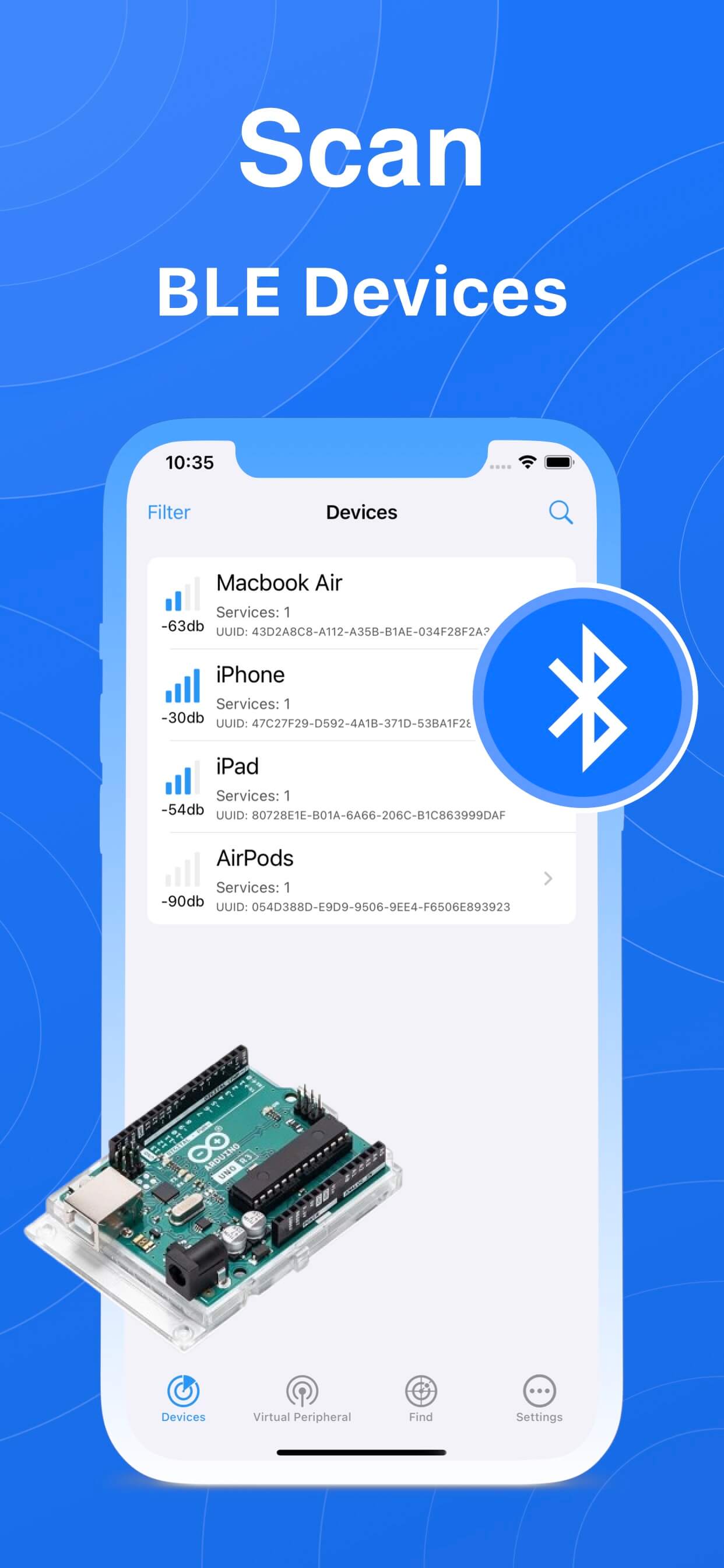
Scan nearby BLE devices
Quickly scan and identify surrounding Bluetooth Low Energy devices. The list shows live signal strength (RSSI), service count and device UUID — tap any row to connect.
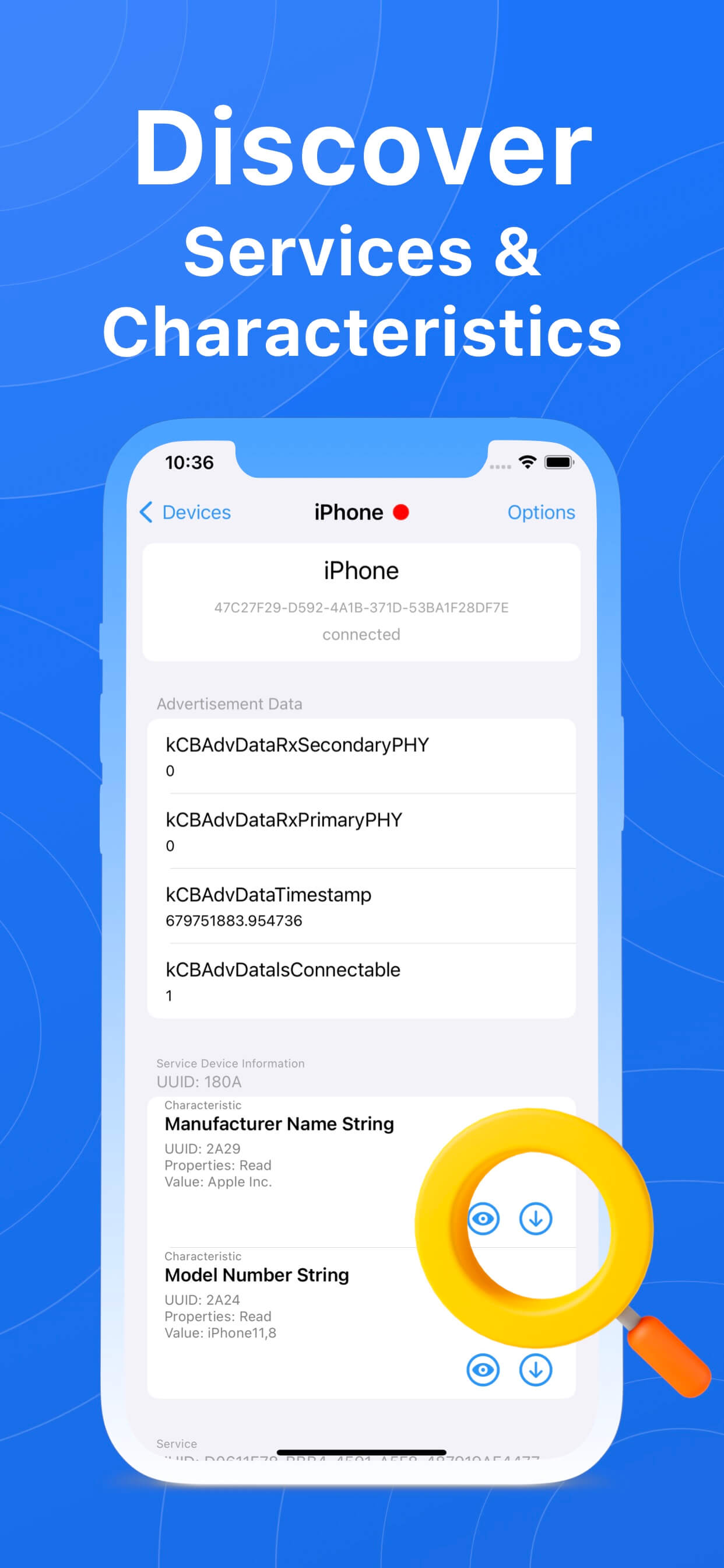
Discover services and characteristics
Browse every GATT service and characteristic of a connected device. Advertised data, manufacturer name and model number are all right there, and read / write / notify are handled separately.
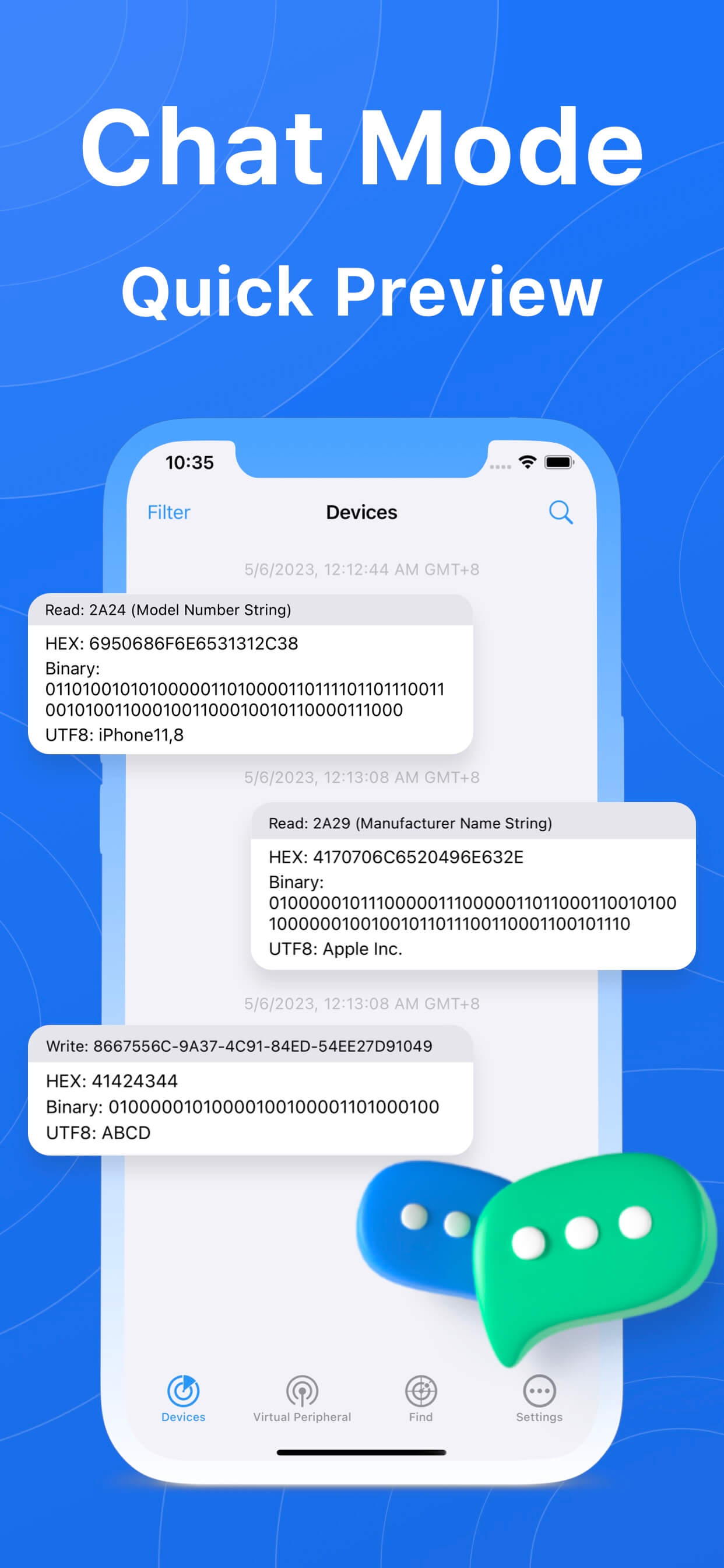
Chat mode for quick preview
Received and sent data are laid out as a chat stream in time order, so you can pick what to read or send without jumping between screens.
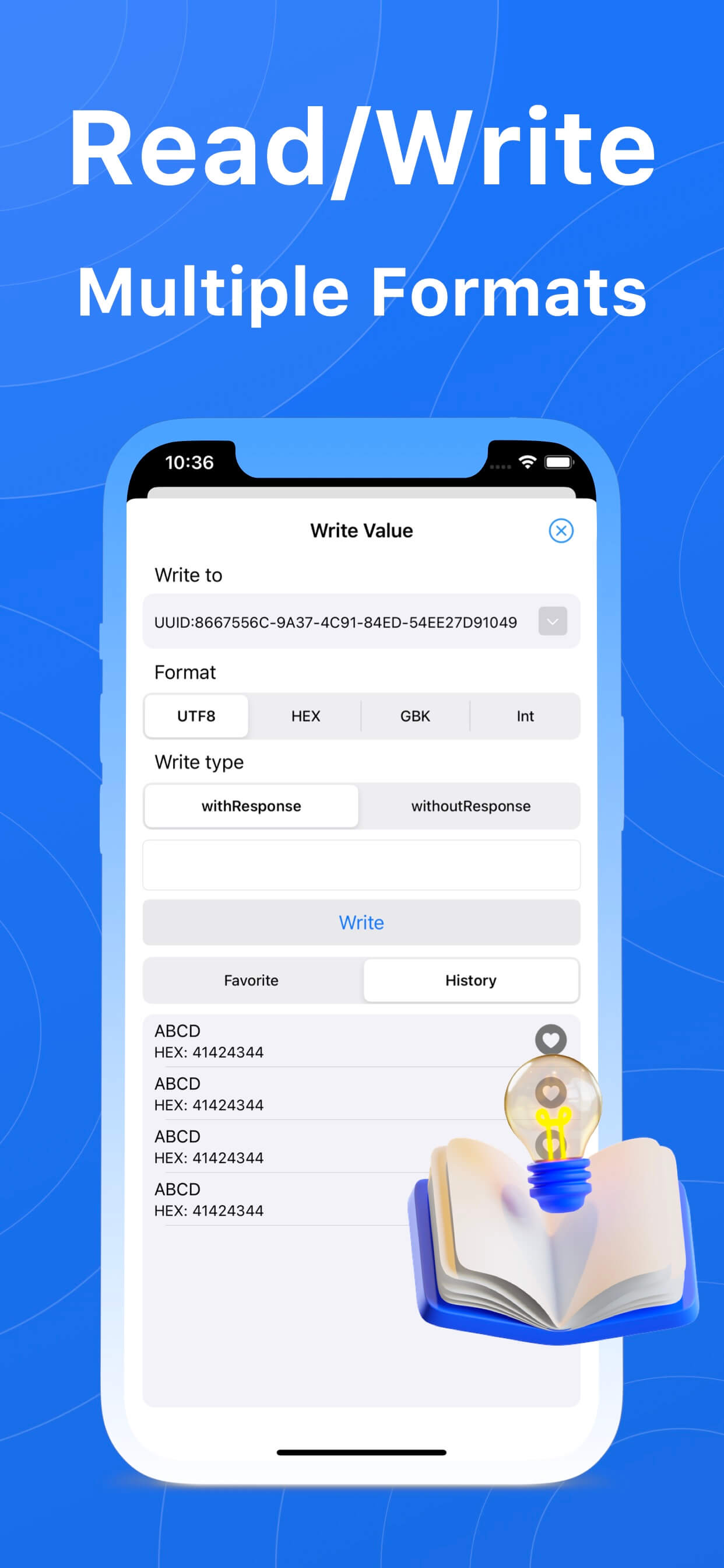
Read and write in multiple formats
Write values as UTF8, HEX or GBK; display the terminal in Hex, Binary, String or Number. Favorites and history keep your frequently used commands one tap away.
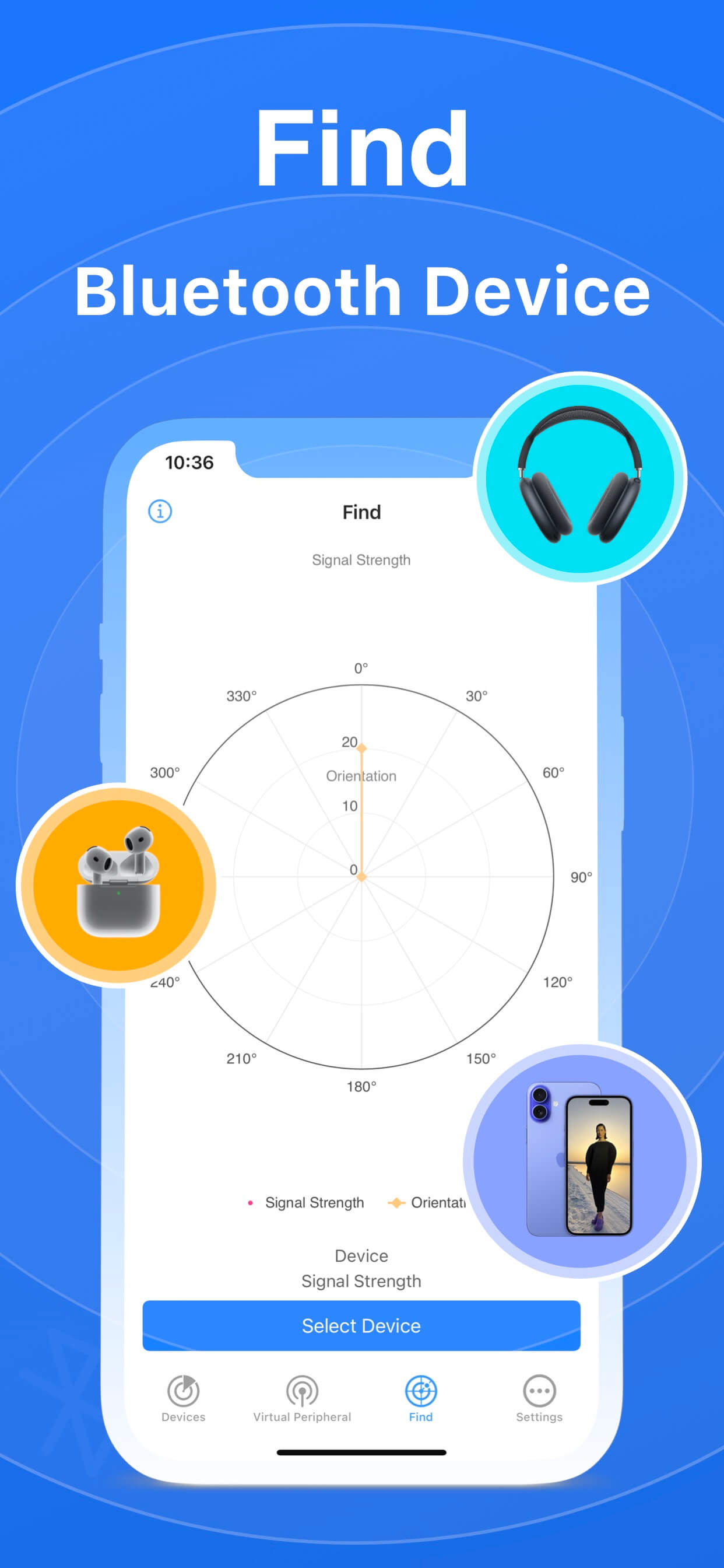
Find your Bluetooth device
A signal strength chart with a direction indicator helps you work out where the target device is hiding — lost earbuds and trackers included.
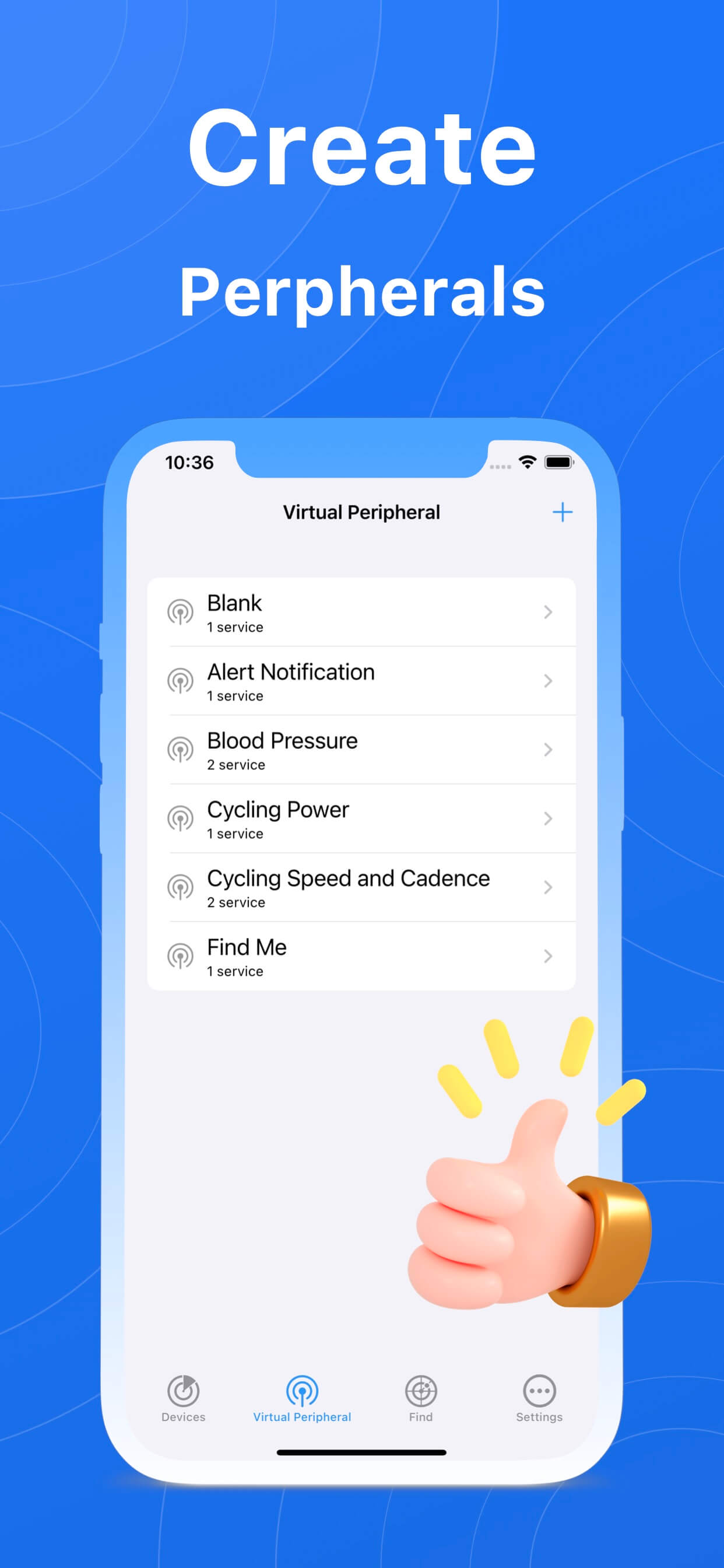
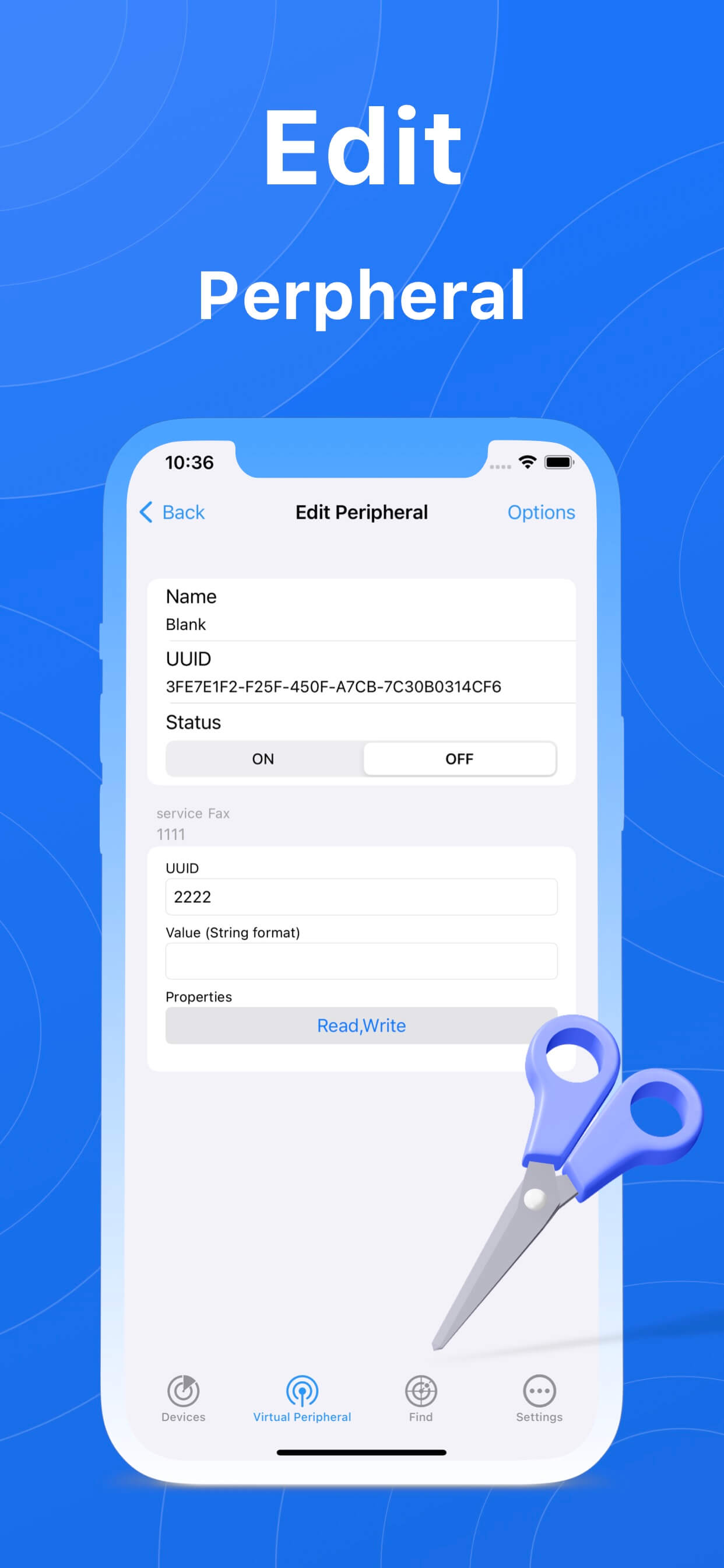
Create and edit virtual peripherals
Turn your phone into a BLE peripheral: start from templates such as Blank, Alert Notification, Blood Pressure, Cycling Power or Find Me, or define your own name, UUID, state and characteristic properties (Read / Write / Notify).
Screenshots
Download BlueTools
Available free on the App Store for iPhone and iPad, on Google Play for Android devices, and on Huawei AppGallery for HarmonyOS devices.
Download on the App Store Get it on Google Play Huawei AppGallery